Mouse sync
Swipe or tap on one card. The other picked phones repeat it, each a moment later, so the farm never moves in lockstep.
Every Android phone in your farm, live on one Windows PC.
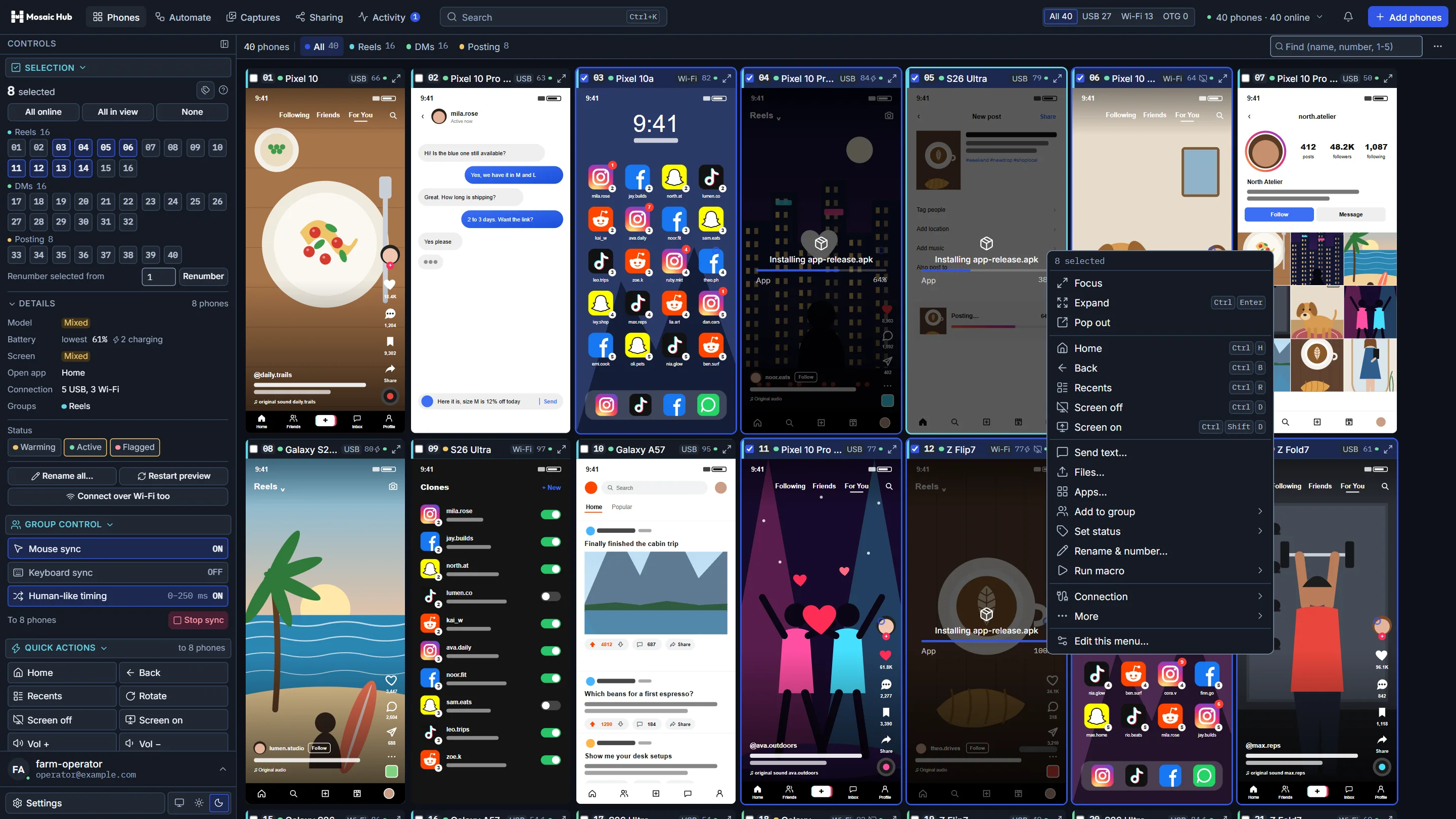
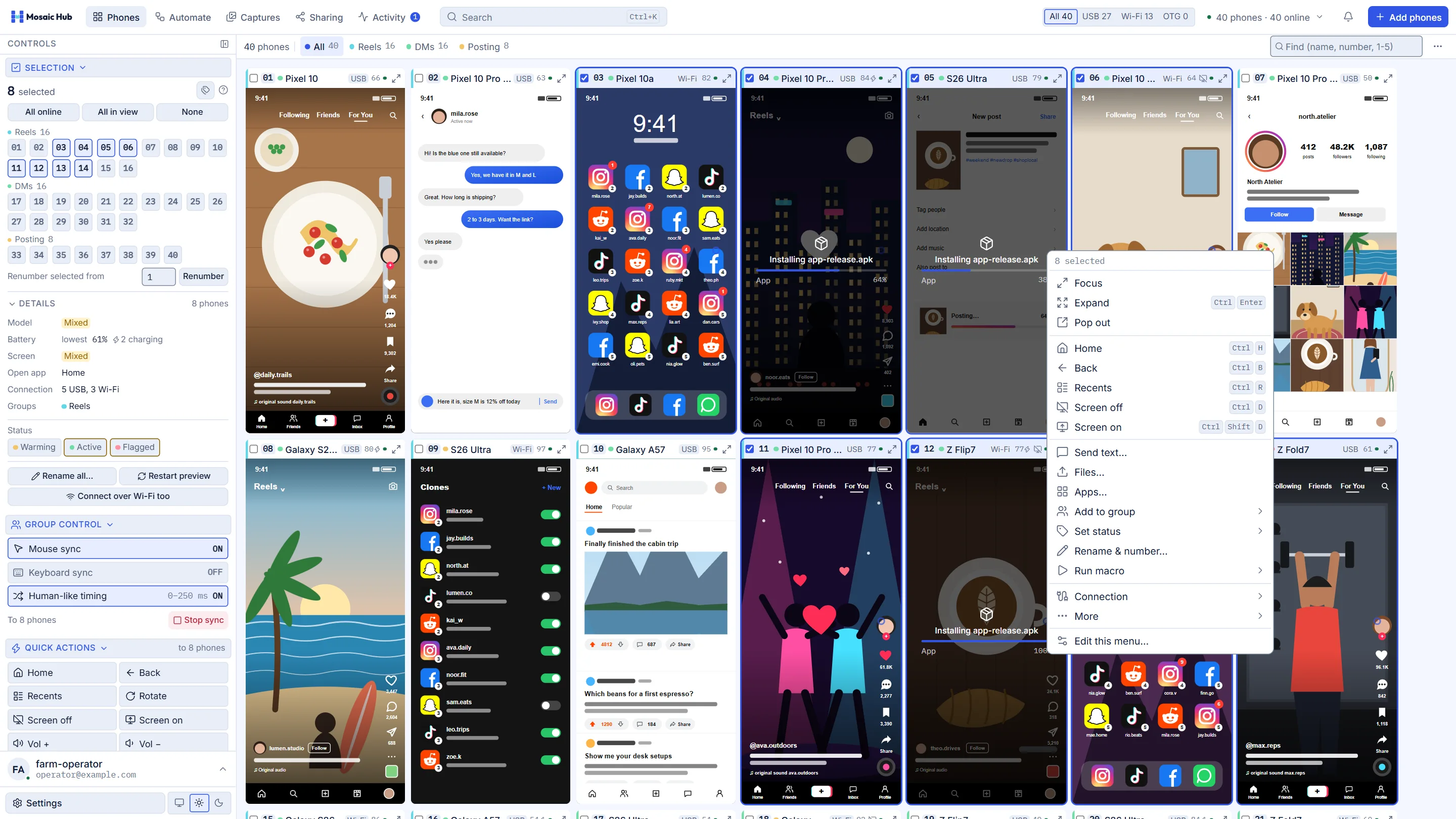
Pick phones by number, then scroll, like, reply or post on one of them. Every picked phone does the same, a beat later.
Swipe or tap on one card. The other picked phones repeat it, each a moment later, so the farm never moves in lockstep.
Click 01, then 03. Shift-click 09 for the run between. Double-click takes every phone in view.
Home, Back, screens off, text, files, apps and labels reach every picked phone. You set the menu's order.
Drag an APK onto the grid and it installs on every picked phone. Photos and videos land in their galleries.
Double-click a card for its own window at 60 fps. Expand it across the grid or Pop it out to a second screen.
Install it, plug in a phone and tap Allow. Windows 10 or 11, as many phones as you connect.
One operator picks eight phones, syncs them and installs an app on all of them.

 Mosaic Hub tour
Ready
Mosaic Hub tour
Ready
Eight more tools for long days on the farm. The tag says which plan has it.
The glass goes dark and the phone keeps working, live on its card.
Every planEach follower taps 0 to 250 ms late and a few pixels off.
Every planType a reply once. It lands in every picked phone's chat.
Every planMark phones Warming, Active, Flagged or a label of your own.
Every planScreenshot every picked phone in one click. Shots and recordings share one gallery.
Every planRecord a run once, then replay it on any phones, now or on a schedule.
ProYour own scripts lease phones and report progress on their cards.
ProSend a link and someone watches or uses a phone you allow, after your approval.
BusinessThere is no limit on phones. One licence covers one PC.
Plug phones into the PC or a hub and tap Allow once on each.
Move a USB phone to Wi-Fi in one click. Phones you added before reconnect by themselves.
Each card says whether its phone is on USB, Wi-Fi or the box's OTG mode.
Windows 10 or 11. The graphics card decodes every screen: 720p on the cards, 60 fps on the phone you open.


Pay monthly, or pay for ten months and get the year.
Stuck, or not sure which plan fits? Ask a person.
Message us on Telegram or email support@mosaichub.appCard payment in the app is on its way. For now, download the app, create your account and email support@mosaichub.app with the plan you want, or message us on Telegram. We add it to your account and the app picks it up at its next check.
Settings, About phone, tap Build number seven times. Then Developer options, USB debugging. Plug the phone in, tick Always allow and tap Allow.
Put the phones on the PC's network. Right-click a USB phone's card, choose Connect over Wi-Fi too, then unplug it. After a phone restarts, plug it in once to switch it back.
The PC that runs Mosaic Hub, with as many phones as you connect to it. Moving to a new PC? Move the licence from the Account page, twice in any 30 days.
The app checks the licence once a day and keeps working for three days without a connection.
Open the phone; the prompt waits behind the lock screen. Still nothing? Revoke USB debugging authorisations in Developer options and plug the cable in again.
Try another cable and port first, since charge-only cables cause most of it, and close any other phone tool. Then message us on Telegram or email support@mosaichub.app with the text from Settings, About, Copy diagnostics. Payments: see the terms.
One installer for Windows 10 and 11. Sign in when it opens, and your first phone shows up as soon as you tap Allow on it.
Mosaic Hub for Windows, version …, …,
Windows protected your PC? The installer is not signed with a Microsoft-recognised certificate yet, so Windows asks once. Click More info, then Run anyway.
Phones on Android 8 or newer with USB debugging on. Updates install themselves and ask before a restart.